Ecoformed Studio
Digital
Artisans
of Sustainable
Form
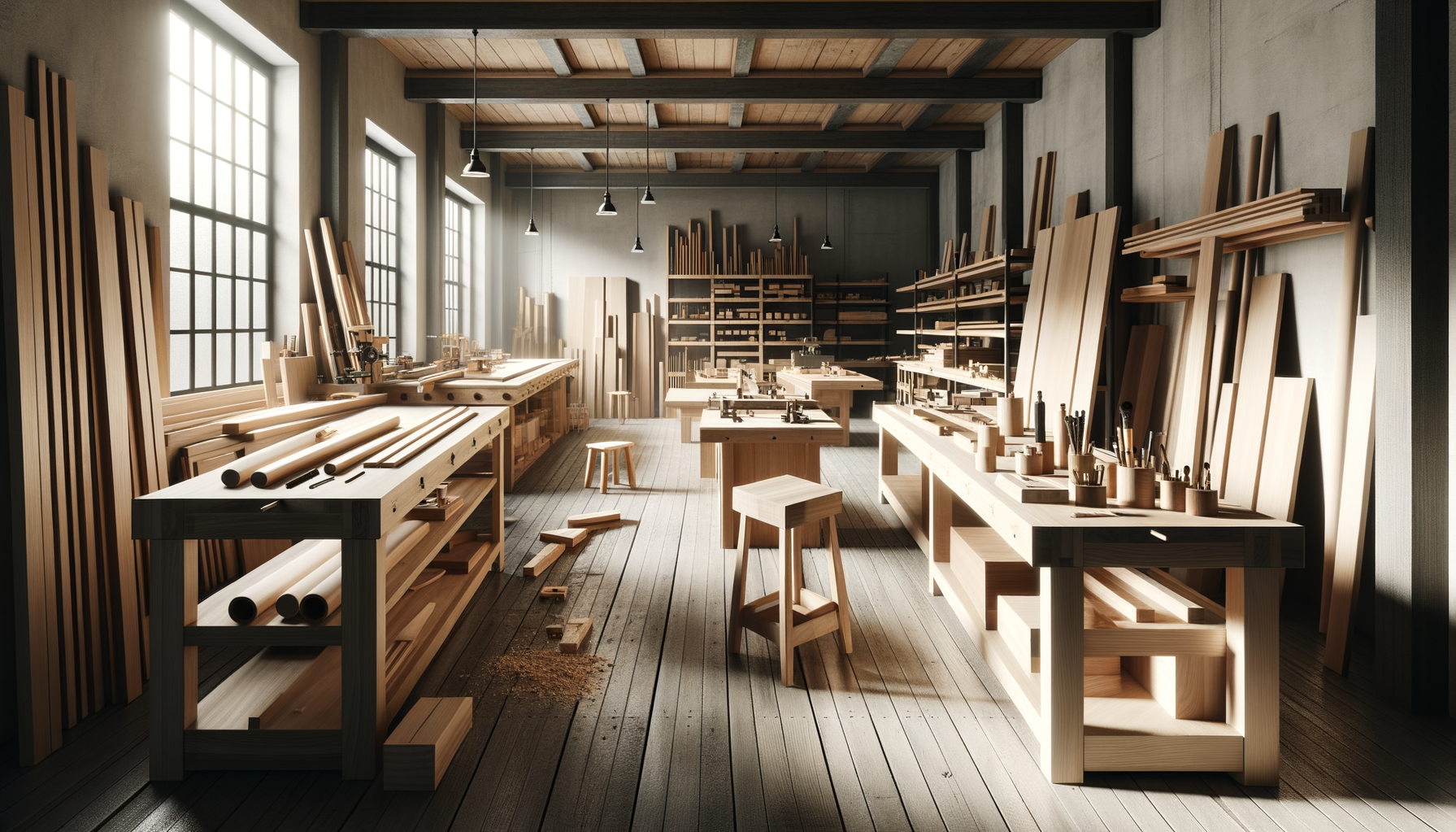
We design and produce objects where computational precision meets living materials — circular by intent, beautiful by craft, meaningful by nature.
ABOUT
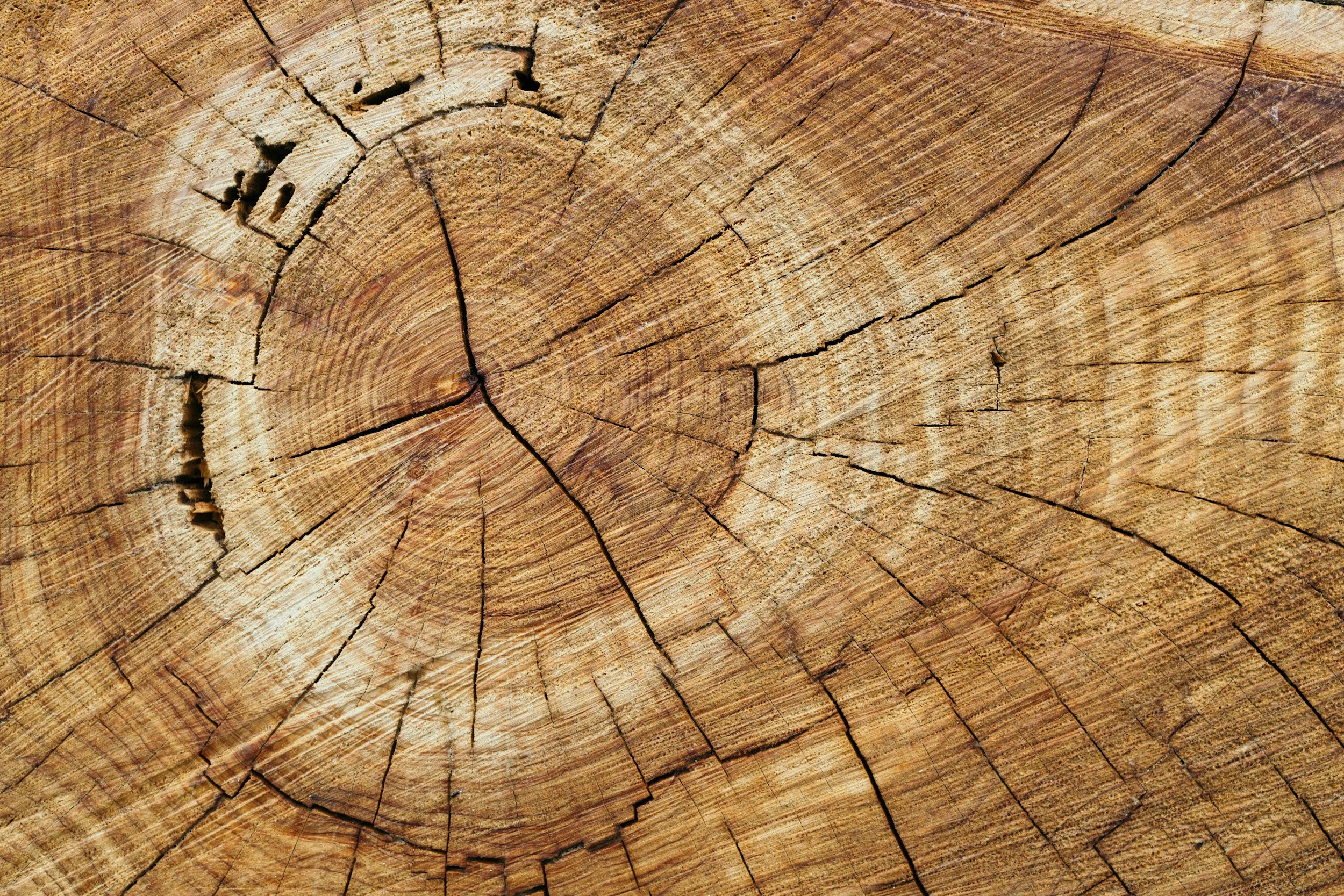
ECOformed is an innovative company founded by 3D printing veteran Andy Jeffery with a mission to create consumer products using sustainable, plant-based, biodegradable plastics incorporating biomass. Driven by a passion for both exceptional design and environmental responsibility, Ecoformed focuses on offering high-quality products that seamlessly blend style and sustainability. The company aims to reduce the environmental impact of everyday items by harnessing the natural benefits of wood waste, creating a line of products that are as functional and visually appealing as they are eco-friendly. Through this vision, ECOformed seeks to lead the way in sustainable consumer goods, contributing to a greener and more circular future.
Our process
Made with intention.
Built to last.
From material science to finished form, every step reflects a commitment to craft, sustainability, and thoughtful design.
Sustainable materials expertise
Thirty years in additive manufacturing, including founding Forust — pioneering wood-fiber 3D printing at scale using bio-based and compostable filaments.
30+ years AMDesigner collaboration
We work closely with designers and studios from concept through production, translating creative vision into printable reality without losing what makes a design special.
Concept → productUncompromising quality
Every piece is tuned for the material — wood-fiber PLA, PHA blends, and bioplastics demand precision. We obsess over surface finish, tolerances, and material behavior.
Material-firstAdaptable and nimble
As a focused studio we move fast — short runs, rapid iteration, and quick pivots. No factory minimums, no long lead times. Just responsive, hands-on production.
Small batch readyDesign excellence
Objects should feel considered, not printed. We bring a design sensibility shaped by decades of industrial and material innovation — where function and beauty coexist.
Form + functionWhy Ecoformed
What sets us
apart
There are other 3D printing studios. There are other sustainable material companies. There are very few that sit at the intersection of deep material science, computational design tools, and direct creative partnership — and none founded by the team behind Forust.
01
We built the category
Ecoformed was founded by the team that created Forust — the first company to produce end-use objects from wood waste using industrial binder jetting at scale. We didn't adopt sustainable 3D printing. We invented a version of it.
02
Material-first, always
Most studios will print whatever you send them. We start from the material — its grain, its behavior, its finish potential — and work backward to the design. The result is objects that feel like they belong in the world, not objects that feel printed.
03
Proprietary design tools
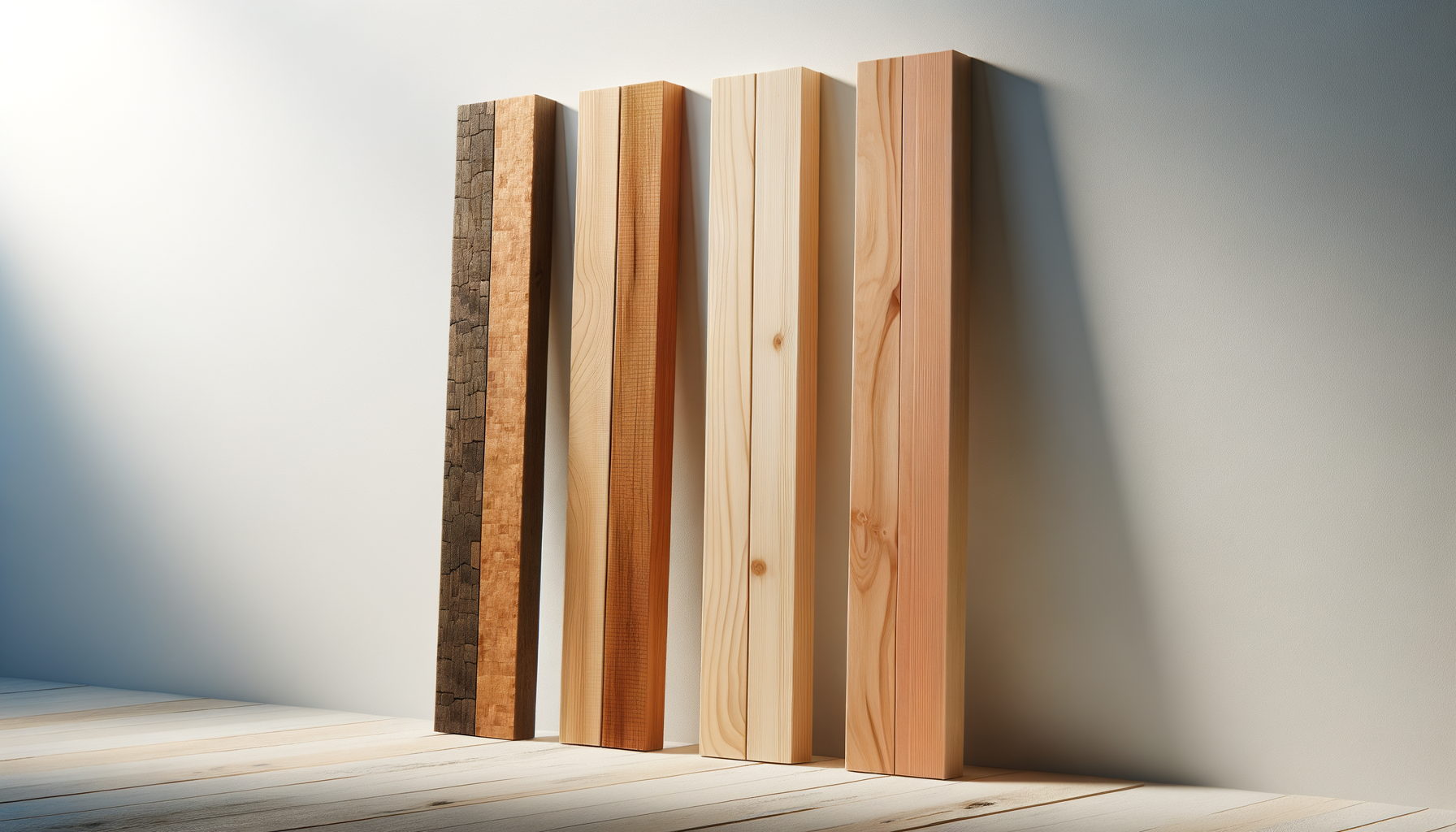
The Digital Lumber Yard applies procedural wood-grain at the material level — embedded in the geometry, not painted on the surface. No other studio offers this. It's the difference between printing wood-colored plastic and printing something that reads as wood.
04
Studio scale is a feature
You work directly with the founder — no account managers, no handoffs, no factory queue. Small enough to care about every piece, experienced enough to move fast. Short runs welcome. Prototypes welcome. Weird briefs welcome.
Work with us
Let's get Started
Whether you have a finished model ready to print or an idea that needs a material strategy, we'd love to hear from you. No minimums. No lengthy RFQ process. Just a conversation.